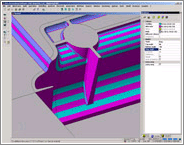
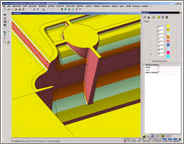
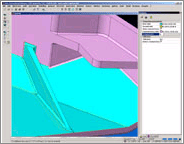
AUTO-Analysis is a set of tools specifically
developed to allow you to quickly analyse
a component and check for any possible situation.
The Comparison tool will allow you to check
two different models and quickly see and
possible modifications using a graphical
interface.
The Draft Analysis tool will allow you
to check any model for draft conditions
using a user specified angle range. This
tool can also be used to graphically show
a set of iso- curves checking the 'flow'
of a set of faces.
The Smooth Edge tool will allow you to
check for tangency on any edge within a
user defined tolerance.
The AUTO-Split tool will automatically
identify TOP, BOTTOM, SPLIT, VERTICAL and
UNDERCUT faces and allow the user to modify
the face directions and graphically simulate
the component splitting. The animation can
also be saved as a XML file for later viewing
or the show that important customer.
The Split Line manager will identify the
computer defined parting line, but also
allow dynamic user interaction to manipulate
or modify the parting line. Simulation of
the component splitting is also possible
using this tool.
Within the AUTO-Analysis suite there are
also the options to automatically create
parting faces, detect redundant bodies,
automatically fill holes on faces, check
for solids interference and display all
relevant workplane rotation and translation
values.
|